
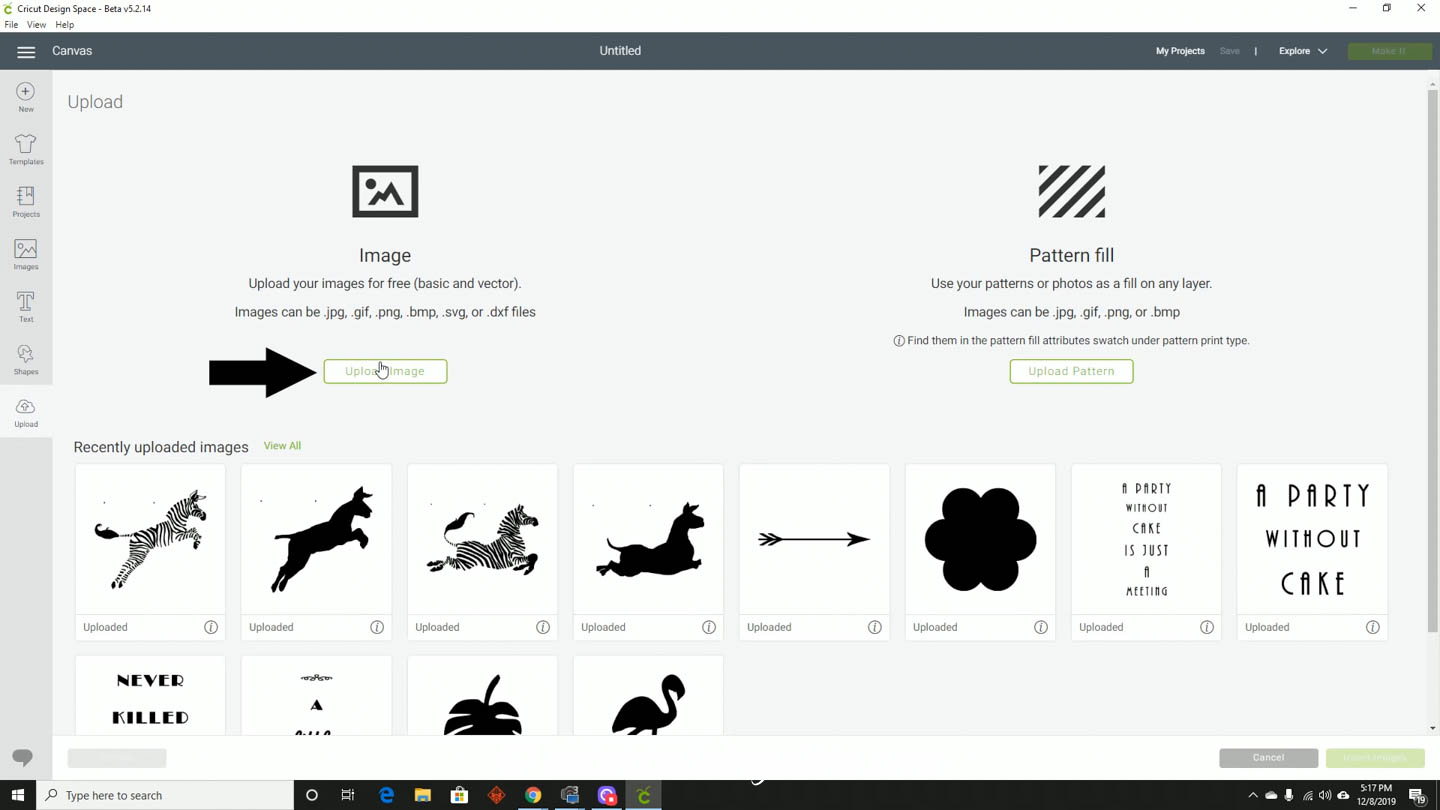
One of the great things about having a Cricut is being able to use designs that other people have made for your own projects.
This means knowing how to upload the files into one of your own projects in Cricut Design Space.
This (very short) tutorial will show you how to do just that.
How To Upload An .svg File To Cricut Design Space
Go to Cricut Design Space (which you can find at https://design.cricut.com/) and open a new project.
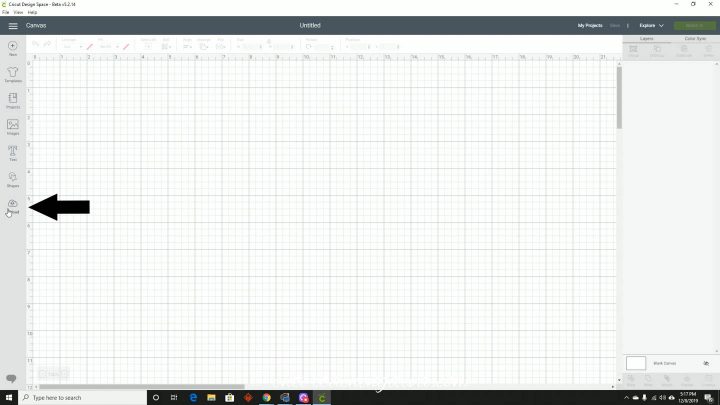
Go to the bottom of the menu on the left side of the screen and click the Upload button.
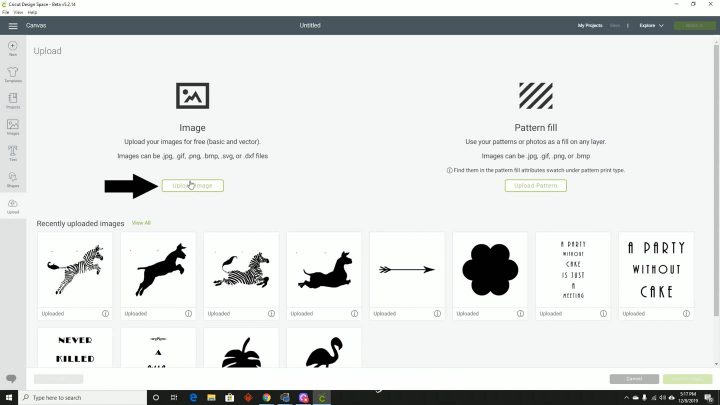
Then click the upload images button.
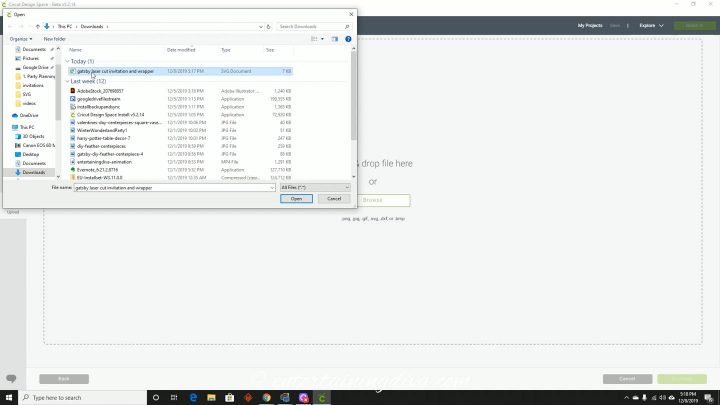
Browse for the .svg file that you want to use and select it.
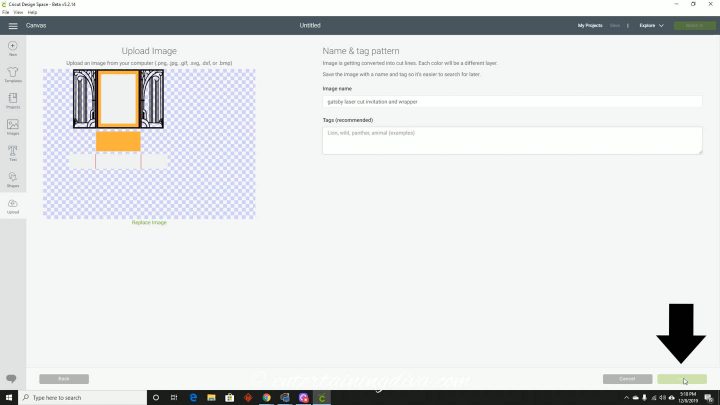
You should see the image of your cut file appear in the Upload image space.
Click Save.
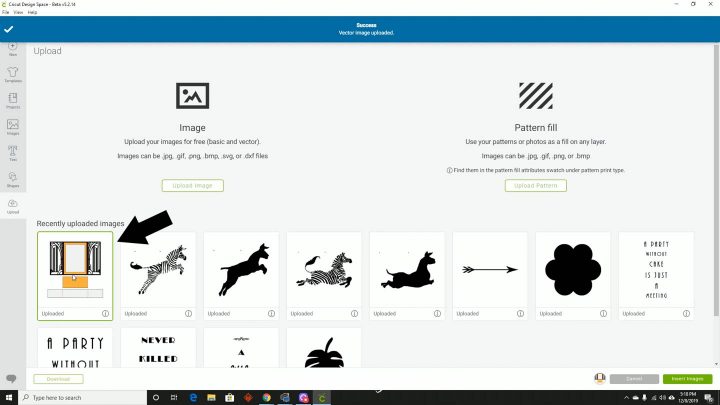
Under the Recently Uploaded Images heading, select the image of the file you want.
If you just uploaded it, it should be the first one in the list.
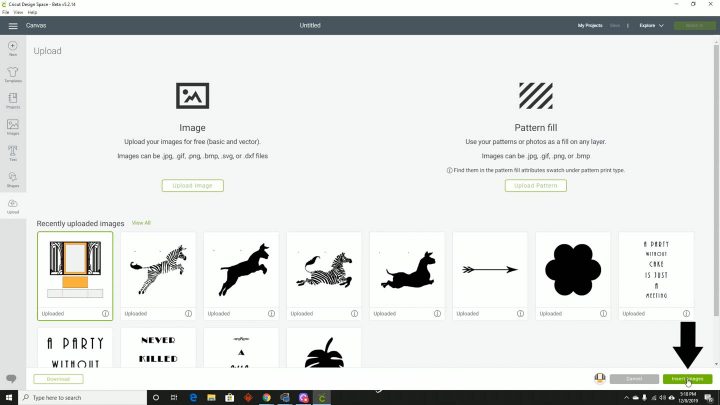
Then click the insert images button on the bottom right-hand side of the screen, and it will load into your project.
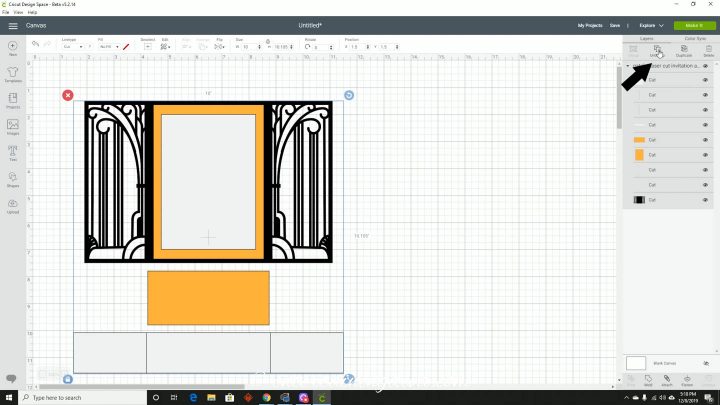
This last step isn’t always necessary. But if you need to make any changes to the image before you cut it, go to the Layers panel on the right side of the screen and click Ungroup to be able to manipulate each of the layers individually.
Do you have comments or questions on how to upload files to Cricut Design Space? Tell us in the section below.
This post was originally published on December 9, 2019 but was updated with new content on June 12, 2021.